
Compose files are the source of truth
Every stack is a plain directory: compose.yaml, an optional .env, and anything else it
needs. Stacky reads Dockge’s layout unchanged, so migrating takes no conversion.

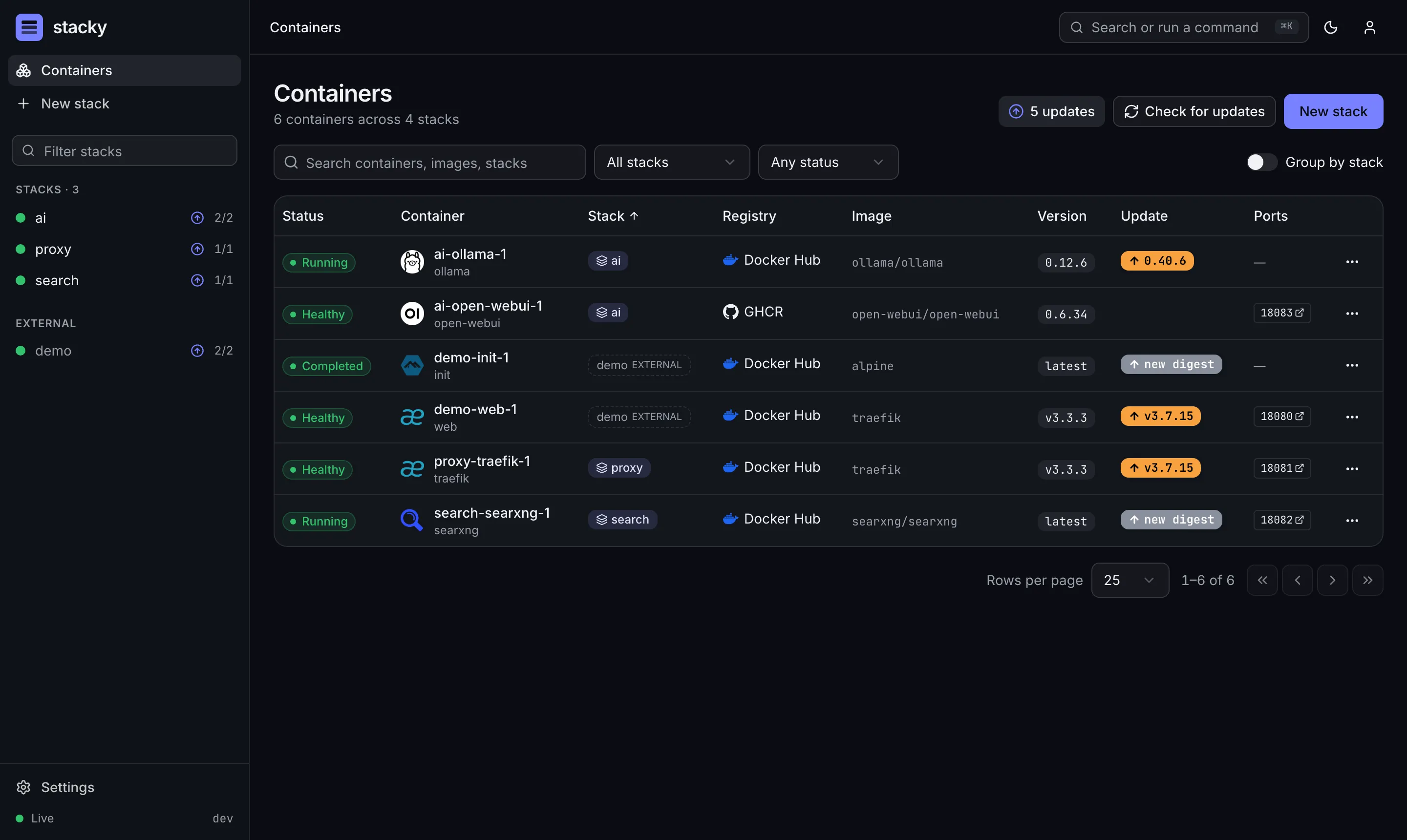
Dockge proved that a stack manager should keep your compose files on disk, where you and your other tools can still use them. Stacky keeps that idea and builds a modern experience around it.
Compose files are the source of truth
Every stack is a plain directory: compose.yaml, an optional .env, and anything else it
needs. Stacky reads Dockge’s layout unchanged, so migrating takes no conversion.
A real editor
Compose schema completion and hover docs, validation by docker compose config, and a diff of
every change before you deploy. Your comments and formatting are never rewritten.
Errors you can act on
“Port 8080 is already used by container x” instead of a wall of terminal output. Every failure
comes with a hint and the full log.
Image updates
Native registry digest checks plus an optional What’s Up Docker integration. Update one service, a stack, or everything, and see major, minor and patch updates at a glance.
Self-updating
Stacky manages its own stack. Updating it uses a short-lived helper container, waits for a healthy start, and rolls back automatically if something goes wrong.
Built for the home lab
One container and multi-arch images (amd64 and arm64). Dark mode, a command palette, and it works on your phone.
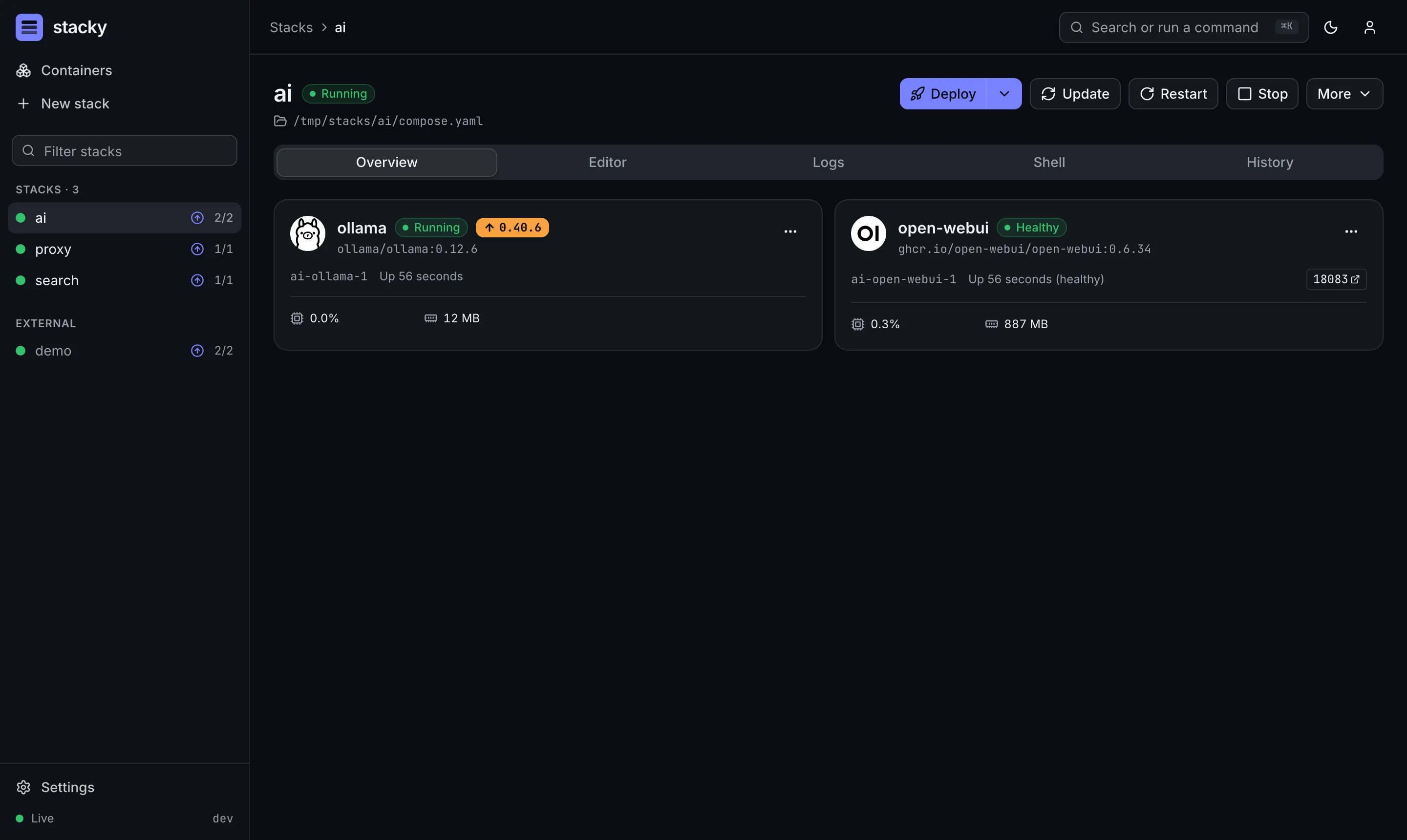
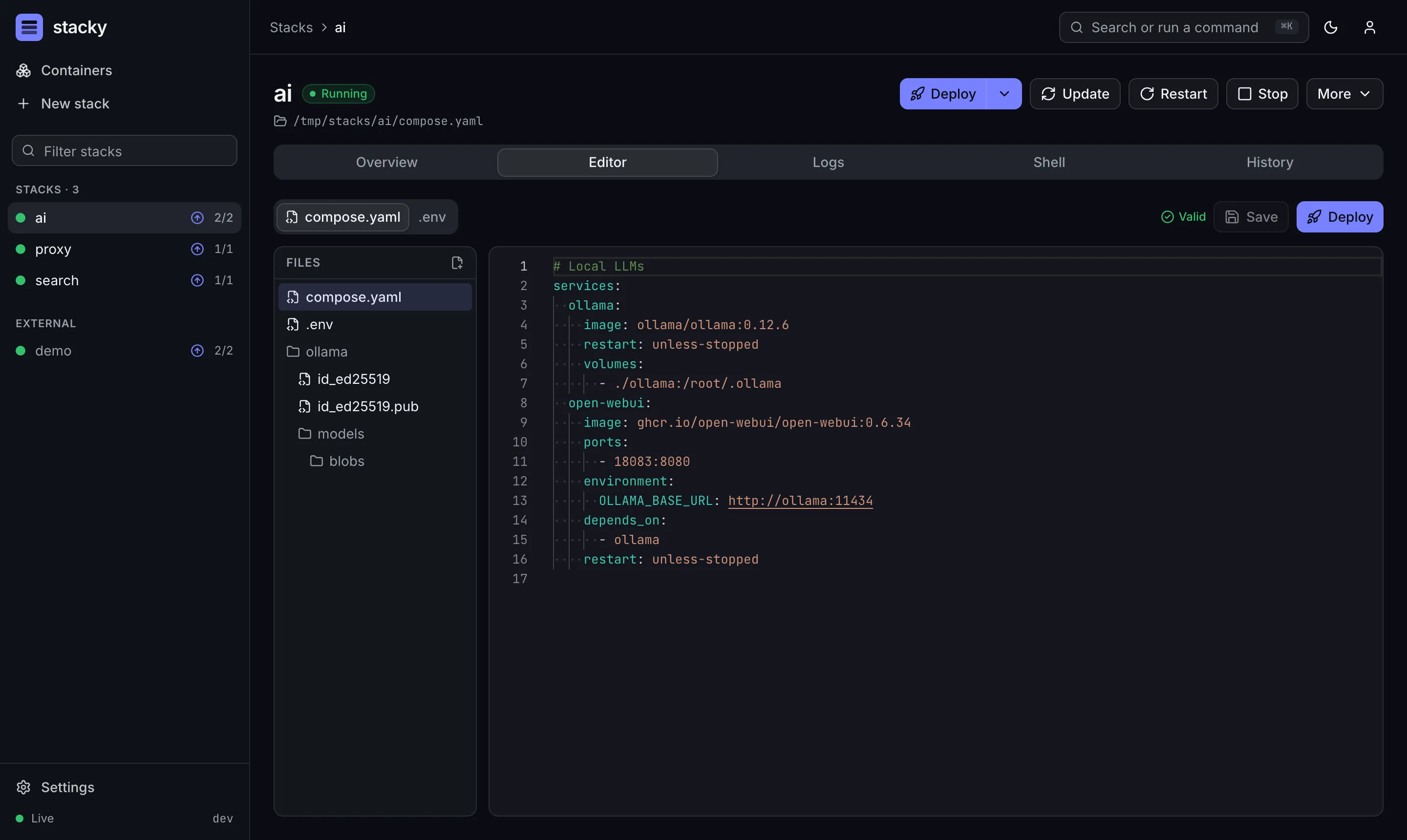
1. EditChange compose.yaml or .env in the editor
2. Validatedocker compose config checks it
3. ReviewSee a diff of exactly what changes
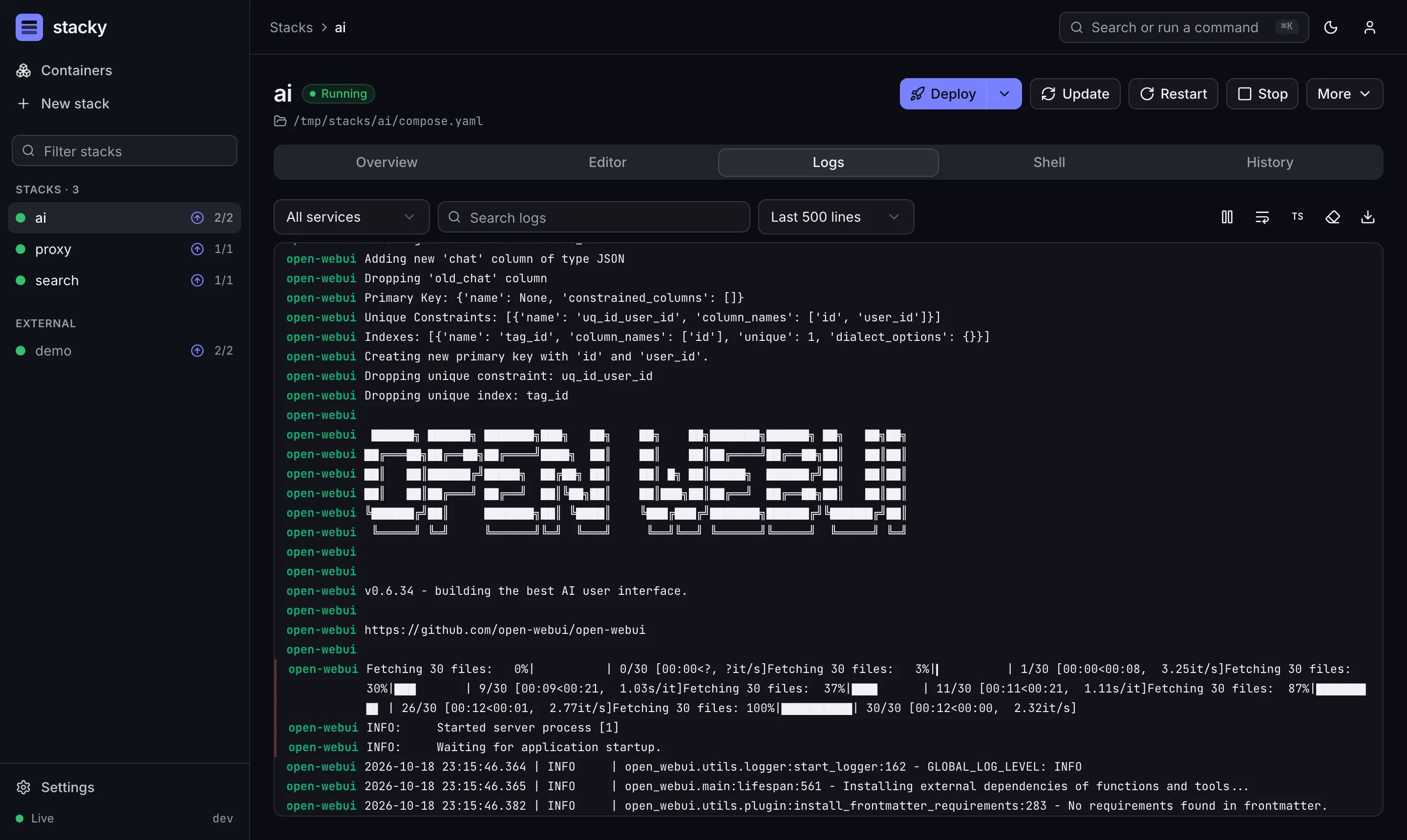
4. Deploydocker compose up -d streams progress
5. ObserveLive status, logs, stats and shells
Read more in How it works.
curl -fsSL https://stacky.lgtm.page/install.sh | shOr write the compose file yourself:
services: stacky: image: ghcr.io/patsissons/stacky:latest restart: unless-stopped ports: - 5005:5005 volumes: - /var/run/docker.sock:/var/run/docker.sock - ./data:/app/data - /opt/stacks:/opt/stackscd /opt/stacks/stacky && docker compose up -dThen open http://<your-host>:5005.